Your Mac's battery history, run by run
Updated 6 November 2026 · Who measures this.
History in WattMate keeps every run on battery, every night and every charge in one list, grouped by day, from the day you install it. Open a row to see what that stretch cost and where it went.
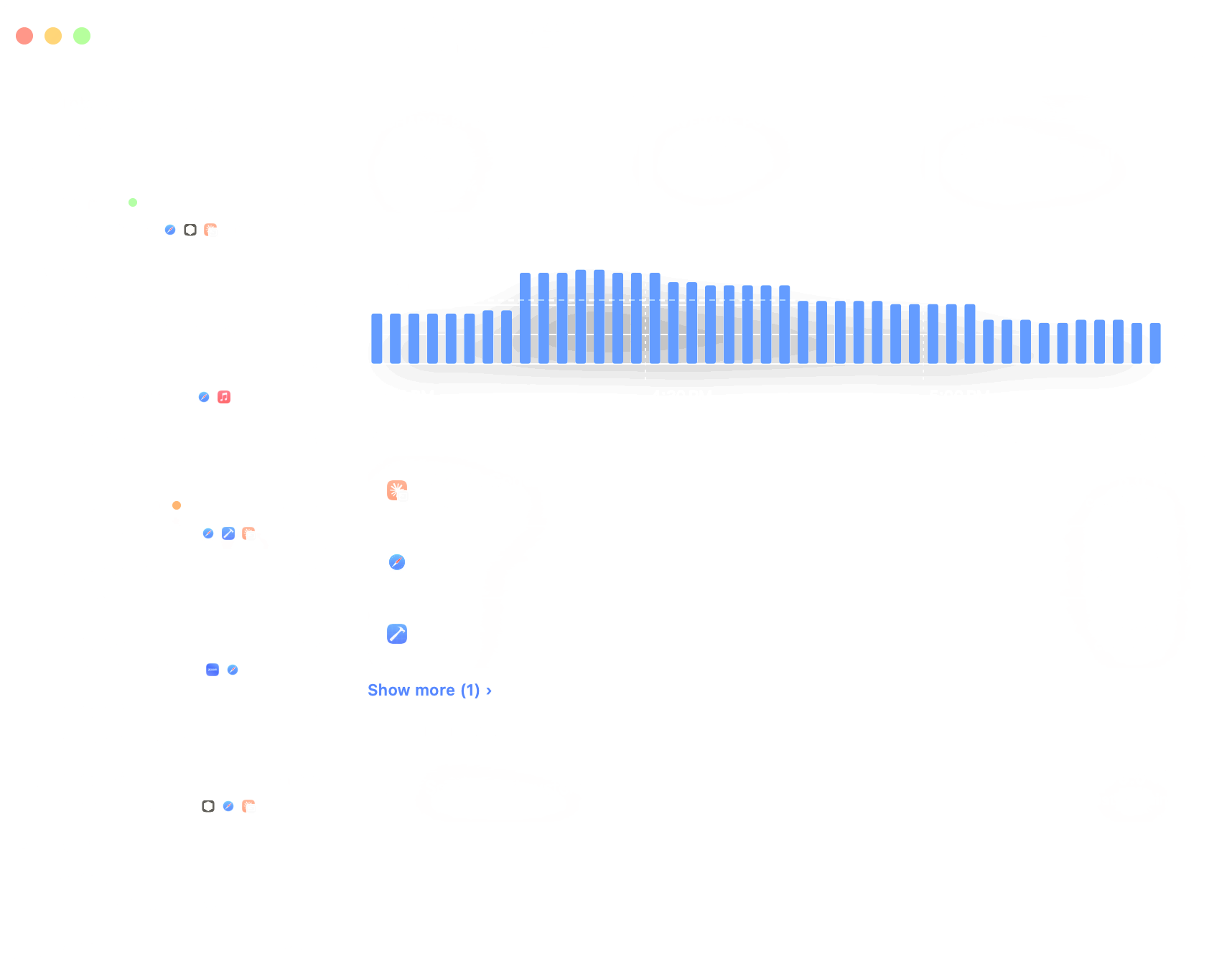
A staged example of the window. The table further down is a real Mac.
What is in the list?
The list holds 3 kinds of row, grouped by day: runs off the battery, nights and charges. Every row opens, and each kind answers a different question about that stretch.
| Row | What it opens |
|---|---|
| A run off the battery | Charge spent, Average power and Speed, How the power ran, and Where it went, app by app. A run above your normal is marked "Heavier than usual for your Mac". |
| A night | Lost in sleep, Charged, Charge per hour and how many times it woke, with what woke it. |
| A charge | How fast the charge came back, Peak delivered from the adapter, and whether the Mac Slept through part of it. |
Above the list sits a total for 7 days, 30 days or All time: time On battery, charge Used, the Daily average and where it went. It names the heaviest day and can set the period against the one before, so "am I using more than last month?" has an answer.
What does a real month look like?
On one MacBook Pro 14-inch with an M3 Max on macOS 27.0, a month came to 185 runs and about 47 full charges. Yours will look different.
| In the journal | Value |
|---|---|
| Runs off the battery | 185, on 30 days of the 31 |
| Time on battery | 245 hours, 219 of them measured |
| Charge used | 4,697 percentage points, about 47 full charges |
| Typical run | 58.5 minutes (median); the longest 7.2 hours |
| Times plugged in | 160 |
| Heaviest day | 12 October, 238 points: the battery went through more than 2 full charges |
Can the journal be checked?
Yes. The battery keeps its own cycle count, separately from WattMate. One cycle is 100 points of discharge, so charge used in the journal should land near the rise in cycles. It should land a little below, because a cycle also counts what leaves the battery outside a run, such as during sleep.
| Between readings (2026) | Cycle count rose by | Journal, full charges | Journal as a share |
|---|---|---|---|
| 31 July to 31 August | 52 | 32.34 | 62% |
| 31 August to 30 September | 35 | 32.51 | 93% |
| 30 September to 31 October | 49 | 46.97 | 96% |
| 31 October to 5 November | 6 | 6.13 | 102% |
The last 2 full months came within 7% of the counter. The first did not: more than 1/3 of the cycles have no run in the journal, and we have not found out why. The last row is 5 days against a whole-number counter, too short to read much into. This is one Mac, so it says the journal can be checked, not how close yours will be.
Questions people ask
Is History free?
The most recent run and the most recent night stay free. Older rows and the totals need a key, $9.99 a year, or $19 forever for the first 100 keys, then $29, after a 10-day trial of everything.
Does the history leave my Mac?
No. The journal is stored on your Mac and no app's name or watts are sent anywhere. The privacy page lists everything that leaves.
Is it the same in the App Store edition?
The journal is there, but that edition cannot read the macOS power log, so it cannot name what woke the Mac.
How is this different from the counters inside the battery?
History is WattMate's own record and starts when you install it. The battery also keeps its own lifetime counters, but those are hours and extremes, with no list of what happened when.
How it was measured
| The month | One MacBook Pro 14-inch with an M3 Max on macOS 27.0, read from its journal. |
| The cycle counter | The battery's own Cycle Count on the same Mac. |
What this doesn't show
- Anything before you installed it. It records from the day the app is installed, and only while it runs. A stretch it missed stays missing.
- Apps during a charge. A charge has no per-app split, and how much came out of the socket is unknown.
- Apps during sleep. Asleep, there are no watts per app: the night is told from the charge and the macOS power log.
- Runs less than half measured. They stay out of the totals, and the total says how many it left out.
- Every reading of an old run. Runs, nights and charges are kept for good. The minute-by-minute detail behind them is kept only briefly.
- How close your journal will be. The check against the cycle counter is one Mac.
Related: the counters inside the battery · who wakes your Mac · where the adapter's watts go · everything WattMate does
Start your battery's record today
10 days free, no card · Requires macOS 14 or later · Apple silicon